Essential Music Streaming Tips That Will Transform Your Listening Experience
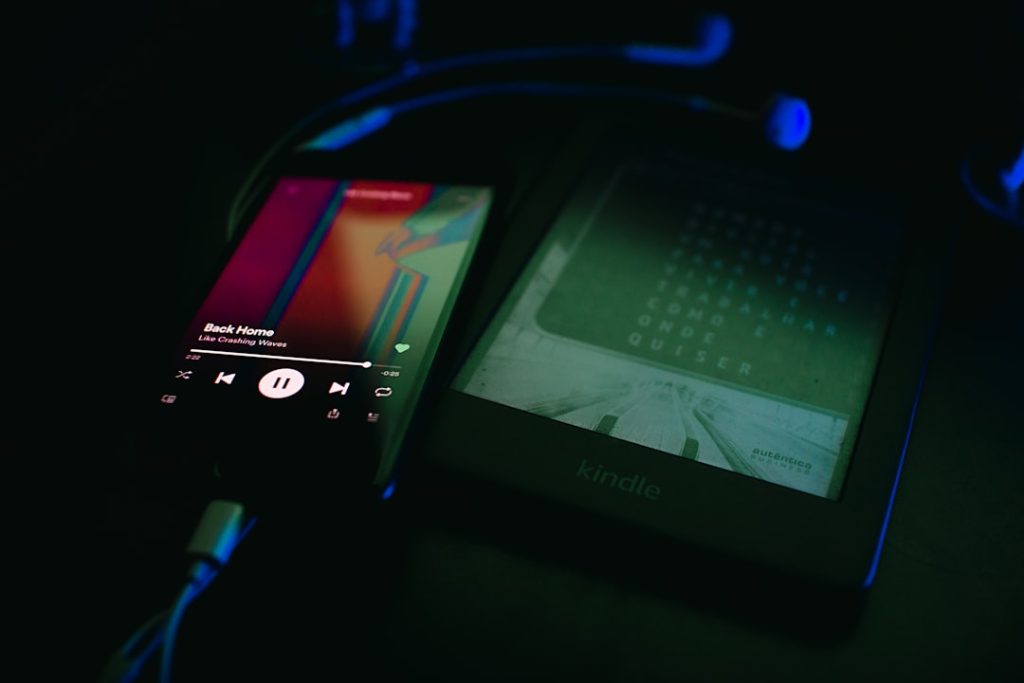
Music streaming platforms have evolved far beyond simple play buttons, yet most users barely scratch the surface of available features. I believe understanding these advanced capabilities is crucial for anyone who considers music an integral part of their daily routine. Whether you’re a casual listener or someone who lives and breathes music, these optimization techniques can dramatically enhance how you discover, organize, and enjoy your audio content.
Create Organizational Systems with Playlist Folders
The biggest mistake I see music enthusiasts make is letting their libraries become chaotic messes. When you’ve accumulated dozens of playlists over the years, finding specific content becomes a frustrating treasure hunt. This is where playlist folders become invaluable—they’re particularly beneficial for users who create themed collections or have diverse musical tastes spanning multiple genres.
Desktop applications typically offer the most robust organizational tools. Look for creation buttons in your library section, then establish folder hierarchies that make sense for your listening habits. You can categorize by mood, activity, decade, or any system that resonates with your musical journey. Once established, these organizational structures sync across all your devices.
Refine Algorithm Recommendations Through Taste Profile Management
Here’s something most users don’t realize: streaming platforms build comprehensive profiles based on everything you play, which directly impacts your personalized recommendations and year-end summaries. This creates problems for people like me who use background music for work or relaxation—suddenly your discovery playlists are flooded with ambient sounds instead of actual music you want to explore.
The solution lies in actively curating what influences your taste profile. Most platforms allow you to exclude specific tracks or entire playlists from recommendation algorithms. This feature is absolutely essential for anyone who uses music functionally rather than just for entertainment. Access these options through track or playlist menus, typically found under additional settings or privacy controls.
Achieve Consistent Audio Levels with Volume Normalization
Nothing ruins a listening experience quite like jarring volume inconsistencies between tracks. This issue particularly affects users who create eclectic playlists mixing different eras and production styles. I consider volume normalization a must-have feature for anyone serious about audio quality.
Navigate to your playback settings and enable audio normalization features. Most platforms offer different intensity levels—choose based on your typical listening environment. Quiet settings work well for office environments or late-night listening, while louder settings suit workout playlists or driving scenarios.

Customize Sound Characteristics with Equalizer Settings
Audio equalization remains one of the most underutilized features in music streaming, which surprises me given how dramatically it can improve your listening experience. This tool becomes particularly valuable for users with specific headphone types or those who listen in acoustically challenging environments.
Access equalizer controls through playback settings, where you’ll typically find both manual adjustment options and genre-specific presets. I recommend experimenting with presets first—they’re optimized for different musical styles and can serve as starting points for further customization.
Optimize Playlist Flow with Smart Reordering
Recent innovations in playlist management include automatic reordering based on musical characteristics like tempo and key signatures. This feature appeals most to users who care about seamless transitions and overall listening flow—think DJs, fitness enthusiasts, or anyone who appreciates musical continuity.
Look for mixing or reordering options within your playlist controls. These features analyze track characteristics and arrange songs for optimal transitions. However, proceed cautiously—these changes are often irreversible, so consider creating backup copies of important playlists before experimenting.
Access Lyrics During Offline Listening
Offline lyric availability represents a significant advancement for users who frequently travel or have limited internet connectivity. This feature particularly benefits language learners, karaoke enthusiasts, or anyone who enjoys singing along to their favorite tracks.
Lyrics typically download automatically when you save tracks for offline listening. This functionality usually requires premium subscriptions, as offline access remains a paid feature across most platforms.
Enable Collaborative Listening Experiences
Social listening features have transformed how we share music experiences, though they work best in specific contexts. Real-time collaborative playlists excel at parties, road trips, or any gathering where multiple people want input on the soundtrack.

These features typically operate through proximity detection or shared network connections. Some platforms also support QR codes or direct invitations for remote collaboration. The key is understanding when collaborative features enhance versus complicate your listening experience.
Maintain Privacy with Private Listening Sessions
Privacy controls become essential when your listening habits don’t align with your public musical persona. Whether you’re exploring guilty pleasures or simply want to prevent work-related listening from skewing your recommendations, private sessions offer necessary discretion.
Enable private listening through privacy settings, typically found under your profile options. Remember that these sessions usually have time limits and won’t contribute to your algorithmic profile or social activity feeds.
Expand Libraries with Local File Integration
Despite massive streaming catalogs, certain tracks remain unavailable due to licensing restrictions or obscurity. Local file integration bridges these gaps, though it requires technical patience and attention to metadata details.
Enable local file support through device settings, then specify source folders containing your personal music files. Success often depends on proper file naming and metadata formatting—expect some trial and error during setup.
Master Advanced Search Techniques
Basic search functions barely tap into streaming platforms’ vast catalogs. Advanced search operators unlock precise discovery capabilities that benefit music researchers, playlist curators, and anyone seeking specific sonic characteristics.
Learn search modifiers for year ranges, genres, record labels, and other metadata fields. Combine multiple operators using logical connectors to create highly specific queries. These techniques prove invaluable when building themed playlists or researching musical movements and trends.
Photo by Gery Wibowo on Unsplash