Essential Music Streaming Tips That Will Transform Your Listening Experience
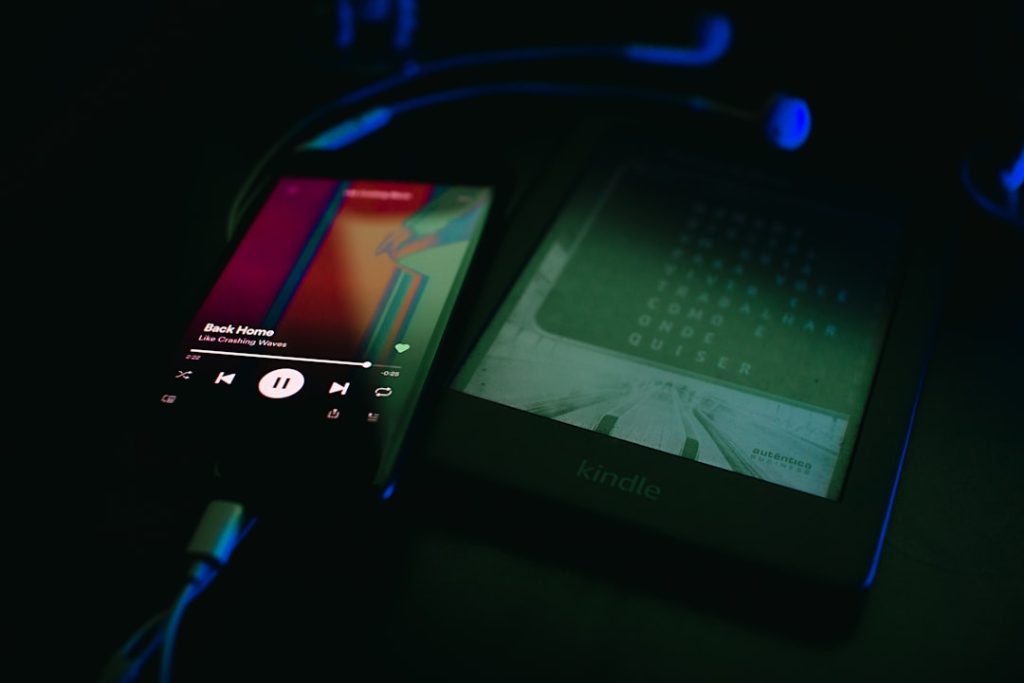
Music streaming platforms have evolved far beyond simple playback, incorporating sophisticated features that many users never discover. While most people stick to basic functionality, I believe the real value lies in mastering these advanced capabilities that can dramatically improve how you organize, discover, and enjoy music. These techniques aren’t just nice-to-have features—they’re game-changers for anyone serious about their audio experience.
Create Playlist Hierarchies for Better Organization
The biggest mistake I see music enthusiasts make is letting their playlist collections become chaotic messes. If you’re someone who creates multiple playlists regularly, folder organization should be your first priority. This feature transforms your library from a cluttered list into a structured system that actually makes sense. Desktop users can initiate folders through the main interface, and the organization syncs across all devices. This is particularly valuable for people who maintain separate playlists for different activities, moods, or time periods—though casual listeners who only keep a few playlists probably won’t find much benefit here.
Fine-Tune Your Recommendation Algorithm
Here’s something most users don’t realize: every song you play influences your future recommendations. The platform’s algorithm builds your taste profile based on listening habits, which affects everything from weekly discovery playlists to year-end summaries. What’s brilliant about modern streaming is that you can exclude specific content from this profiling. This is absolutely essential for people who listen to ambient music while working, sleep sounds, or music for specific activities that don’t reflect their actual preferences. If you don’t use this feature, you’ll end up with recommendations that completely miss the mark.

Achieve Consistent Volume Levels
Nothing ruins a listening experience quite like dramatic volume differences between tracks. Audio normalization solves this problem by automatically balancing soft and loud songs, and frankly, I can’t understand why anyone would leave this feature disabled. The platform offers different normalization levels based on your environment—loud for noisy spaces, quiet for late-night listening. This feature benefits everyone, but it’s particularly crucial for people who create mixed playlists with tracks from different eras or production styles.
Customize Audio Output with Equalization
Most streaming users accept whatever audio quality they get, but that’s leaving significant value on the table. Built-in equalizers let you adjust frequency bands manually or select genre-specific presets that optimize sound for different musical styles. This matters most for audiophiles and people who listen through high-quality headphones or speakers. If you’re using basic earbuds or don’t notice audio quality differences, you probably won’t appreciate this feature. However, for those who do care about sound, it’s transformative.
Optimize Playlist Flow with Intelligent Sorting
One of the most underutilized features is automatic playlist reordering based on beats per minute and musical key. This creates seamless transitions between songs, which is particularly valuable for workout playlists, party mixes, or any situation where flow matters. The caveat is that this reordering is permanent—you can’t undo it—so it’s really only suitable for playlists where song order isn’t already important to you. Premium subscribers get access to this feature, and I think it represents the kind of sophisticated functionality that justifies subscription costs.

Access Lyrics Without Internet Connection
Offline lyric access is one of those features that seems minor until you need it. When you download music for offline listening, lyrics automatically come along, which is perfect for travel or areas with poor connectivity. This is exclusively a Premium feature, and it’s most valuable for people who sing along, learn languages through music, or frequently find themselves without reliable internet access.
Enable Real-Time Collaborative Listening
Collaborative features transform music from a solitary experience into a social one. The platform offers real-time collaborative playlists where nearby users can add songs instantly, plus longer-term collaborative playlists that friends can contribute to over time. These features shine at parties, during road trips, or for friend groups who regularly share music. However, if you’re primarily a solo listener or don’t often listen to music in group settings, these collaborative tools won’t add much value.
Hide Listening Activity When Needed
Private listening sessions are essential for maintaining your musical reputation while exploring guilty pleasures or genres that don’t align with your usual taste. This feature excludes activity from both social followers and recommendation algorithms, giving you complete freedom to listen without consequences. Sessions automatically end after six hours, which I think strikes the right balance between privacy and convenience. Anyone who follows other users or cares about their listening history should know about this feature.
Integrate Personal Music Collections
Despite massive streaming catalogs, you’ll occasionally encounter missing tracks, rare recordings, or personal audio files you want to include in playlists. Local file integration allows you to upload and incorporate your own content, though the process can be technically challenging and requires some troubleshooting. This feature is most valuable for music collectors, fans of obscure genres, or people with personal recordings they want to integrate. Casual listeners probably won’t need this functionality.
Master Advanced Search Techniques
Basic search often returns overwhelming results, but advanced search operators can pinpoint exactly what you’re looking for. The platform supports tags for year, genre, label, track, album, artist, and general tags, plus Boolean operators for complex queries. You can combine these creatively—searching for specific genres within particular years, or excluding certain artists while focusing on others. This is incredibly powerful for music discovery and research, though it requires learning the syntax and is probably overkill for users who typically search for specific songs or artists they already know.
Photo by Grigorii Shcheglov on Unsplash