Essential Tips to Maximize Your Apple Vision Pro Experience
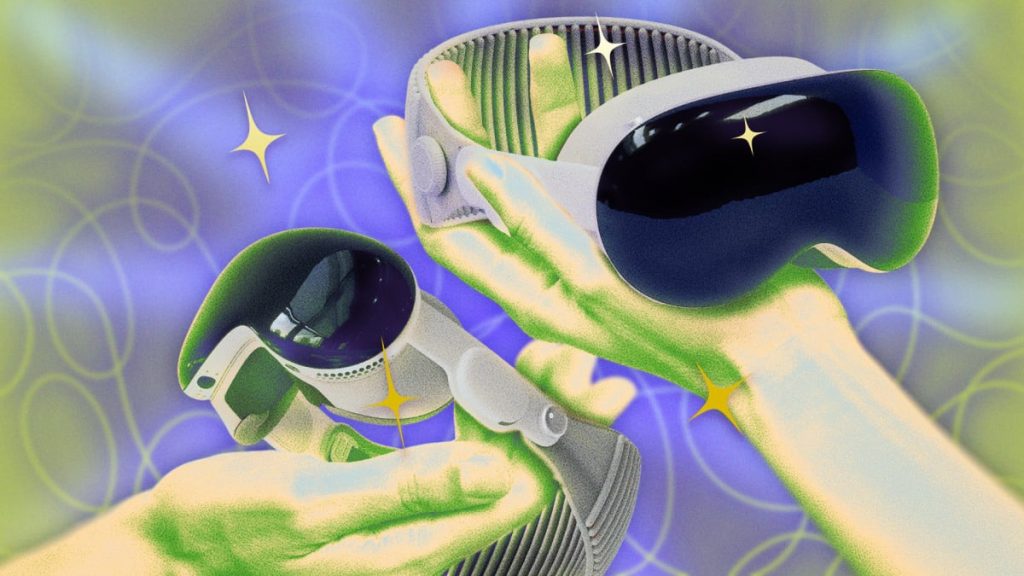
Apple’s Vision Pro represents a remarkable technological achievement, featuring an advanced M5 processor with a 3-nanometer architecture that includes a 10-core CPU, 10-core GPU, and 16-core Neural Engine. This powerhouse delivers more computing capability than many desktop computers, packed into a wearable device. To unlock the full potential of this sophisticated headset, users need to understand its advanced features and hidden capabilities. These essential techniques will transform how you interact with your Vision Pro, whether you’re a day-one adopter or recent purchaser.
Unlock Advanced Customization Through Accessibility Options
While Apple maintains a streamlined interface aesthetic for the Vision Pro, numerous powerful customization options exist within the Accessibility settings. These features, originally designed for users with various impairments, offer valuable enhancements for all users seeking personalized experiences.
Recommended accessibility modifications include enabling Bold Text for improved readability, activating Increase Contrast for better visual definition, turning on Reduced Motion to minimize interface animations, and configuring voice commands like saying “shh” to lower volume levels. Users can quickly toggle these features by triple-clicking the digital crown, providing instant access to preferred settings.
Transform Your Home Into a Smart Control Hub
The latest visionOS update introduces spatial widgets, allowing users to position information and controls in contextually relevant locations throughout their environment. Smart home enthusiasts can leverage Apple Home compatibility with Matter-enabled devices to create intuitive control schemes.
Users can position lighting controls near switches, climate controls in relevant rooms, and bedtime routines above sleeping areas. Enhanced customization becomes possible through third-party applications like Widgetsmith, which offers advanced widget appearance options. These spatial controls persist across sessions, maintaining their positions even after device restarts.
Expand Storage Capacity Through Network Connections
The Vision Pro’s “Connect to Server” functionality provides access to unlimited storage without consuming local device memory. This feature proves particularly valuable for users with the base 256GB model who work with large files or extensive media libraries.
Setup involves enabling file sharing on the target computer, accessing the Files app within visionOS, entering the server’s network address or hostname, and establishing connection credentials. Users can connect as guests or with specific authentication, gaining access to networked computers, cloud storage services, and local media servers.
Share Your Vision Pro Experience Safely
The Guest User mode addresses one of virtual reality’s primary limitations: the inability to easily share experiences with others. This feature provides quick, secure access for temporary users while protecting personal data.
Activation requires accessing Control Center, selecting Guest User, and allowing the system to perform rapid calibration for the new user. Upon return, original settings automatically restore. For non-contact sharing, AirPlay Mirroring streams the user’s view to nearby compatible devices including iPads, Macs, and AirPlay-enabled televisions on the same network.
Create Immersive 3D Environments
Beyond basic spatial photo conversion, the Vision Pro supports advanced 3D content creation through Gaussian splat technology. This cutting-edge technique generates three-dimensional models using millions of positioned, colored, transparent elements that create remarkably realistic lighting and reflection effects.
Applications like Spatial Media Toolkit and Spatial Video Studio enable users to control depth parameters, optimize cropping for enhanced 3D effects, and export content in various formats including anaglyph and side-by-side 3D. More advanced users can create walkable 3D spaces using scanning applications like Scaniverse or Polycam, which capture real environments and objects for immersive exploration.
Unlock Gaming Capabilities
Recent visionOS updates have significantly expanded gaming possibilities through NVIDIA CloudXR 6.0 integration, enabling the headset to function as a high-resolution display while remote computers handle processing demands. This advancement allows access to demanding titles like iRacing and X-Plane 12.
Mac users can access cloud gaming through NVIDIA GeForce NOW via Safari, requiring only a paired Bluetooth controller and network connection. While free tiers offer limited access, premium subscriptions unlock 4K/90fps streaming capabilities. Advanced users can explore unofficial options like ALVR for OpenVR game streaming, though this requires technical expertise and specific network configurations.
Prevent Automatic Sleep Mode
A simple yet effective technique involves using a small piece of paper or Post-it note to cover the proximity sensors, preventing automatic sleep activation when the headset is removed. This method proves useful for maintaining active file transfers, preserving delicate network connections, or keeping applications running during brief breaks.
Force Close Unresponsive Applications
When applications become unresponsive, users can force quit using hardware controls rather than interface elements. Simultaneously pressing and holding the digital crown and top button reveals the application switcher, allowing selection and termination of problematic processes.
Create Expansive Virtual Workspaces
The Vision Pro’s Mac connectivity transforms portable computers into expansive workstations with unlimited screen real estate. Setup requires both devices on the same network with Bluetooth and keychain services enabled.
Simply looking at an open MacBook while wearing the headset reveals a floating “Connect” button. Activation creates a virtual display expandable to 32:9 panoramic proportions, effectively providing dual 5K monitor functionality in any location.
Discover Hidden Environmental Features
Vision Pro environments contain interactive elements and rare encounters that extend beyond static backgrounds. These detailed soundscapes and visual experiences include confirmed features like echo effects in the Haleakalā environment when users vocalize loudly, dynamic weather synchronization in Mount Hood that mirrors real-world conditions, and access to a replica Steve Jobs Theater through Keynote’s rehearsal mode.
These environmental details suggest additional undiscovered elements, encouraging exploration and experimentation within each immersive setting.